
Upload a photo
Start with a recent face photo when you want the AI portrait to preserve your recognizable identity.
Generate professional headshots, profile pictures, dating photos, and creative portraits. Use your own photos or create a new AI persona.
Start with a recent face photo when you want the AI portrait to preserve your recognizable identity.
Pick a curated headshot, profile picture, dating, social, studio, fashion, or cinematic direction.
Create polished portraits, review the likeness and style, and download your strongest results.
Use one clear person, a visible face, natural light, and minimal filters.
Create a new AI persona from any gallery look when identity preservation is not the goal.
AI Portrait Lab is one portrait generator with different curated template paths, so you can start from the outcome you need instead of writing a prompt from scratch.
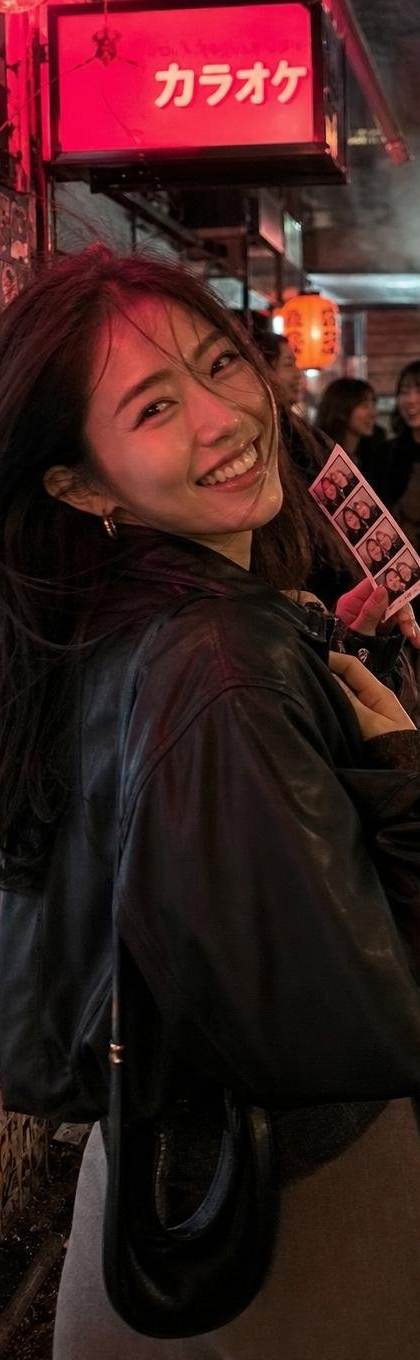
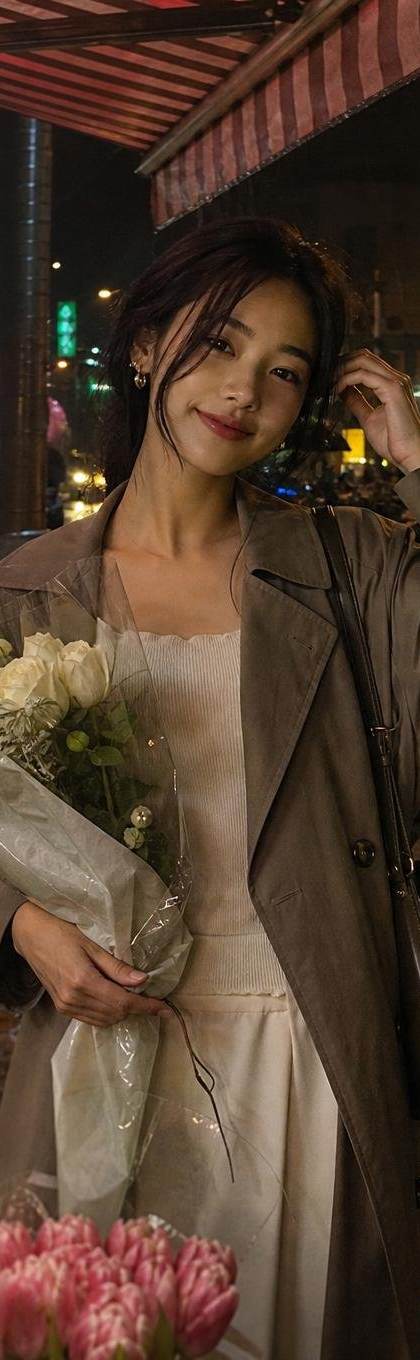
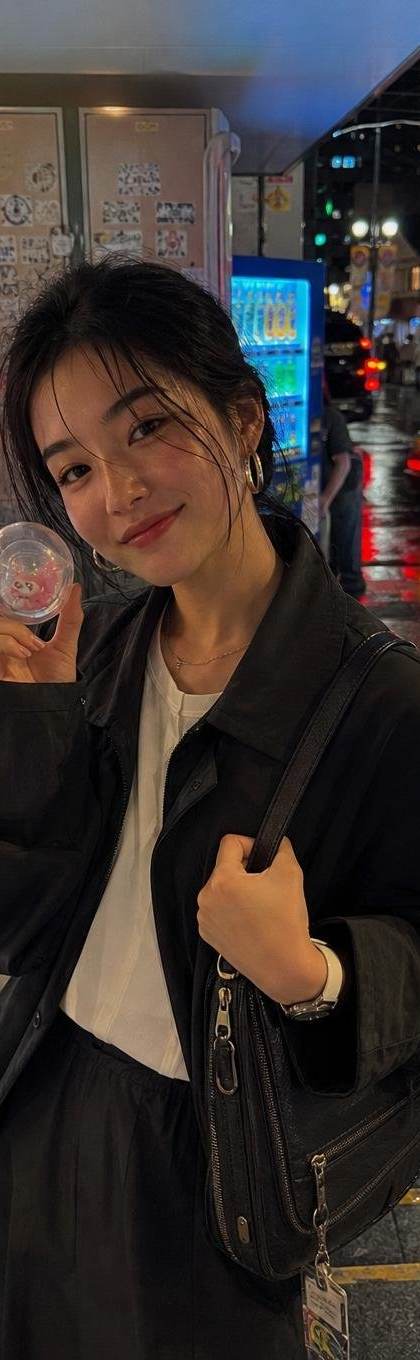
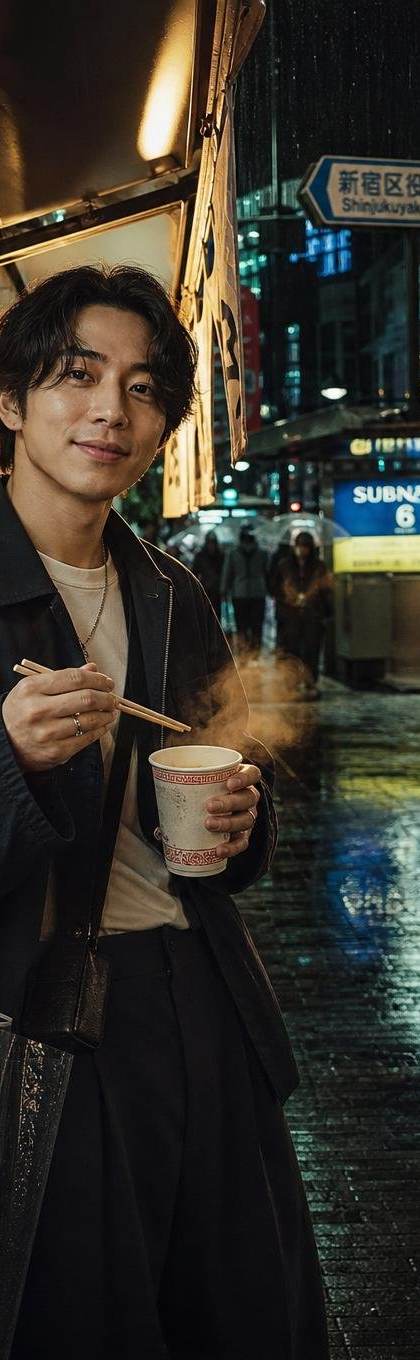
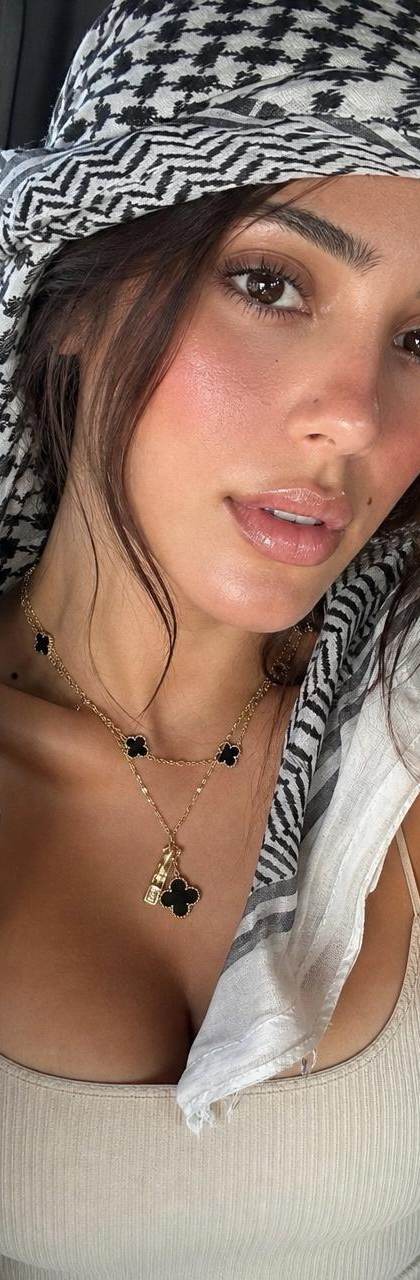
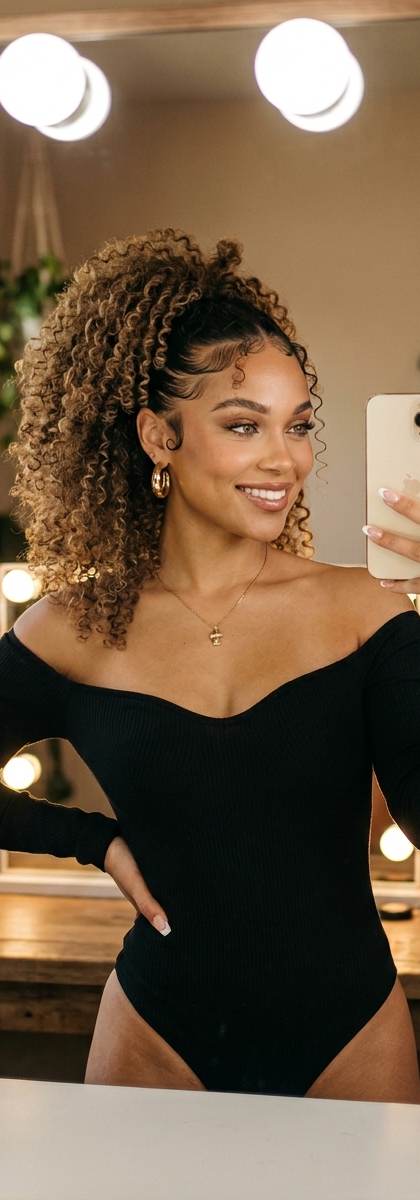
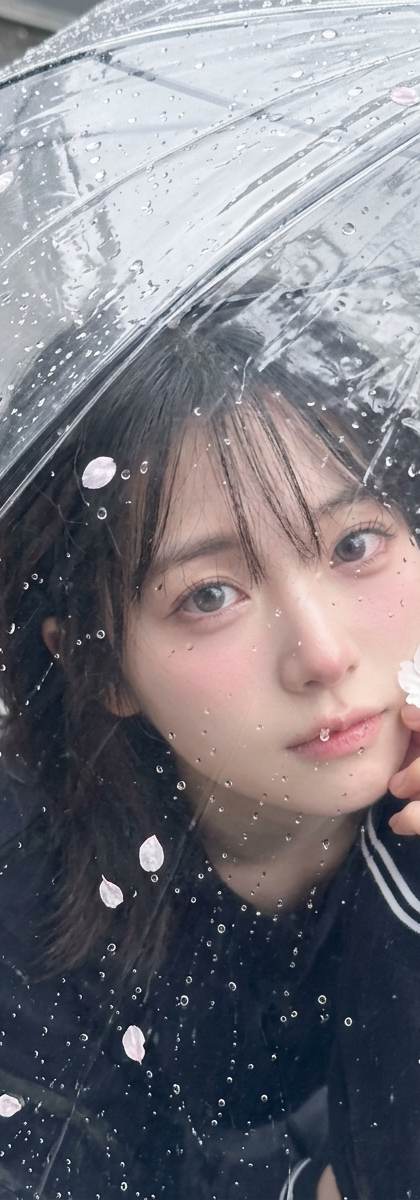
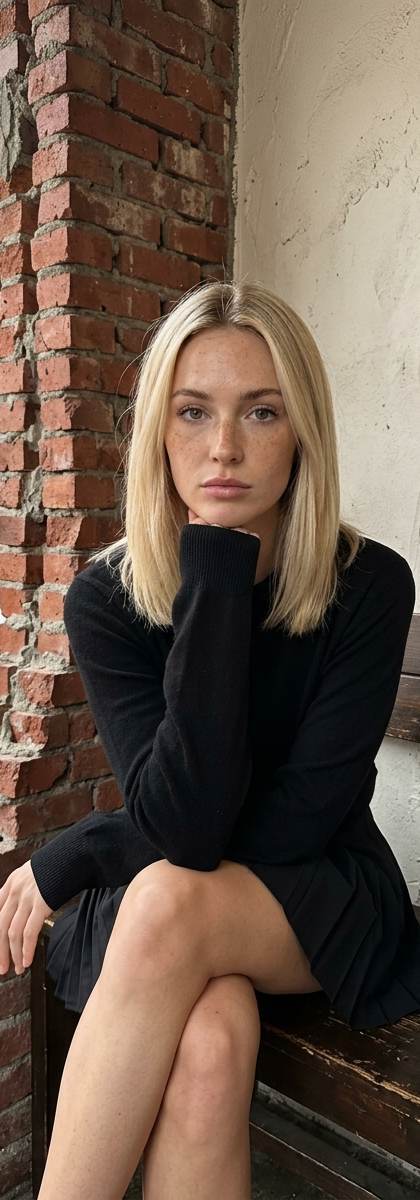
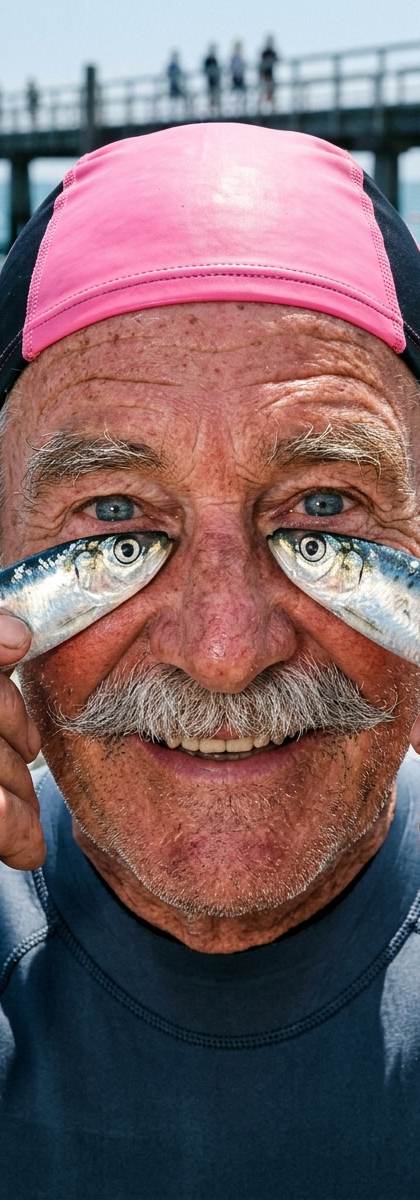
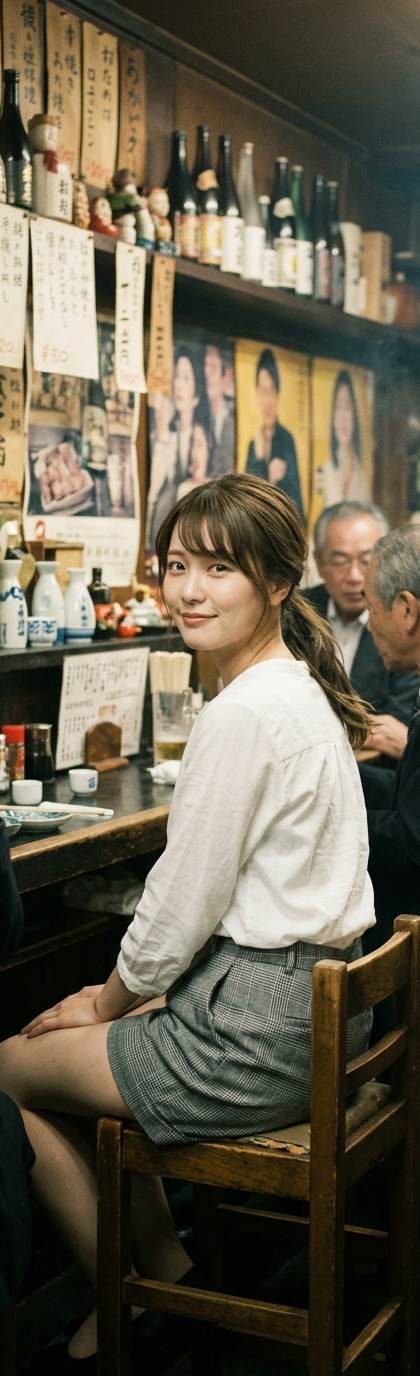
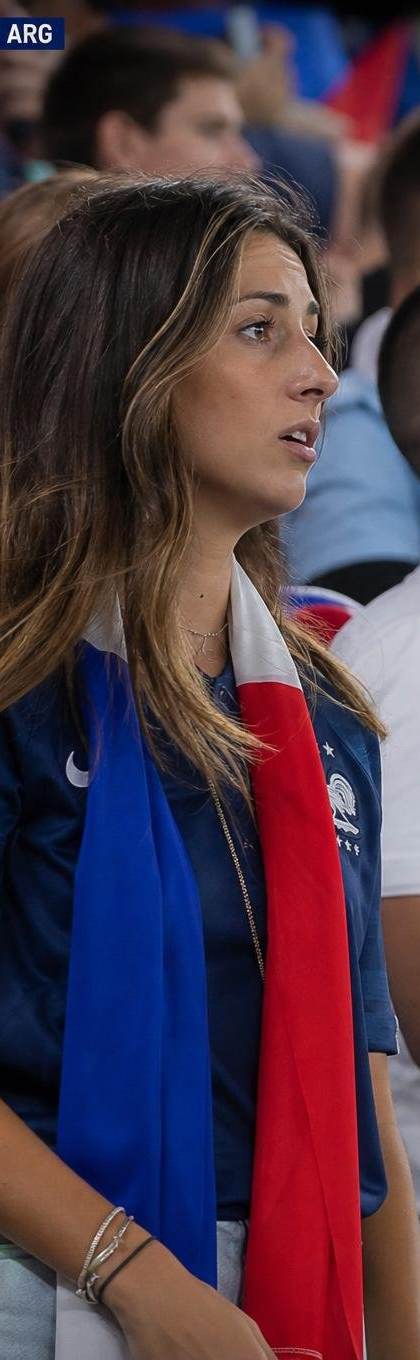
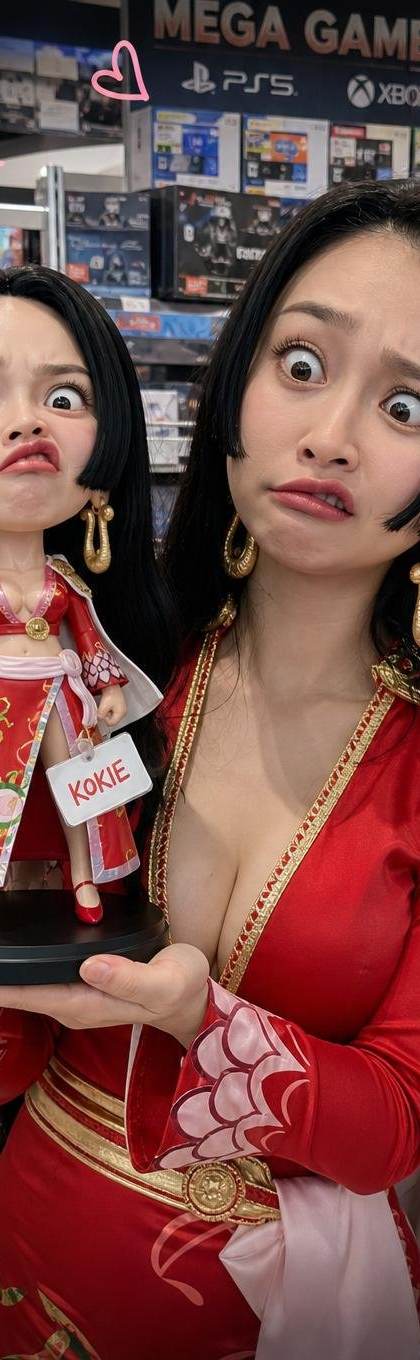
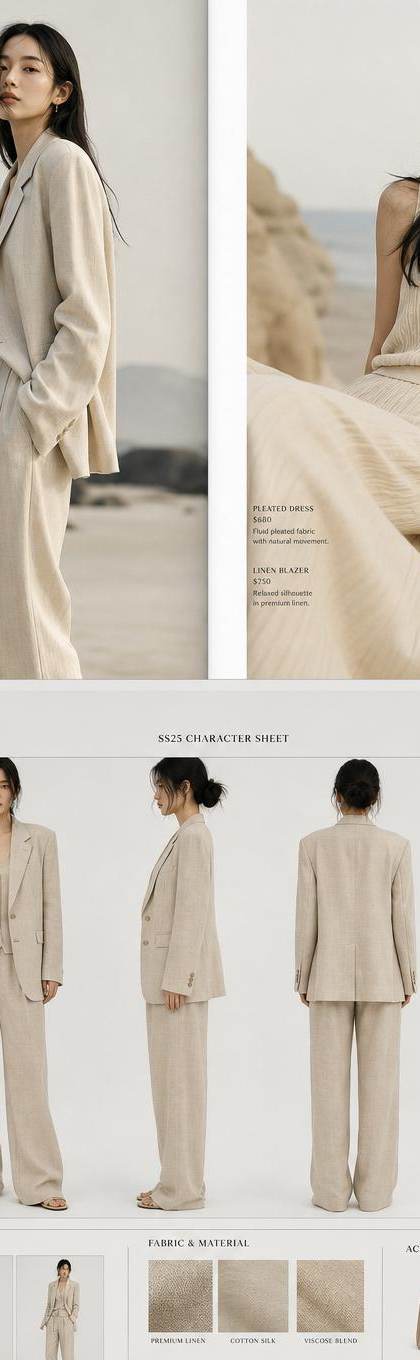
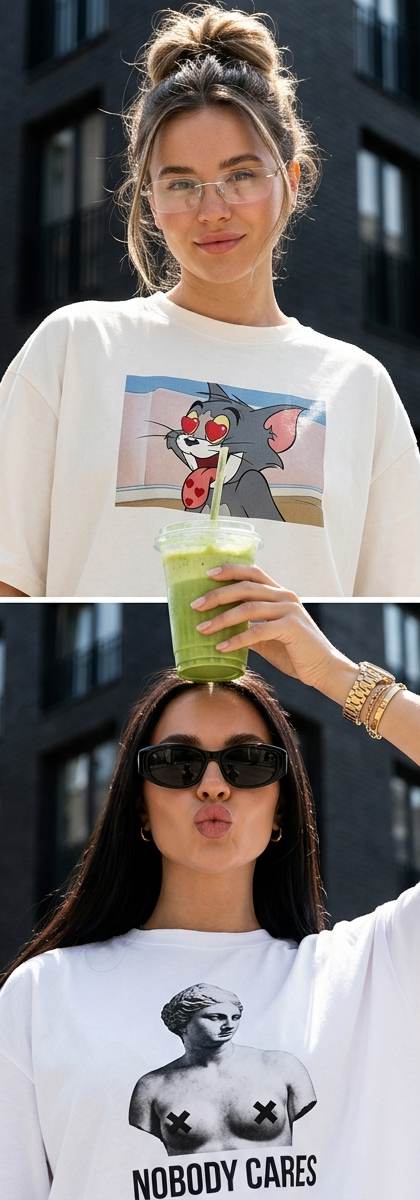
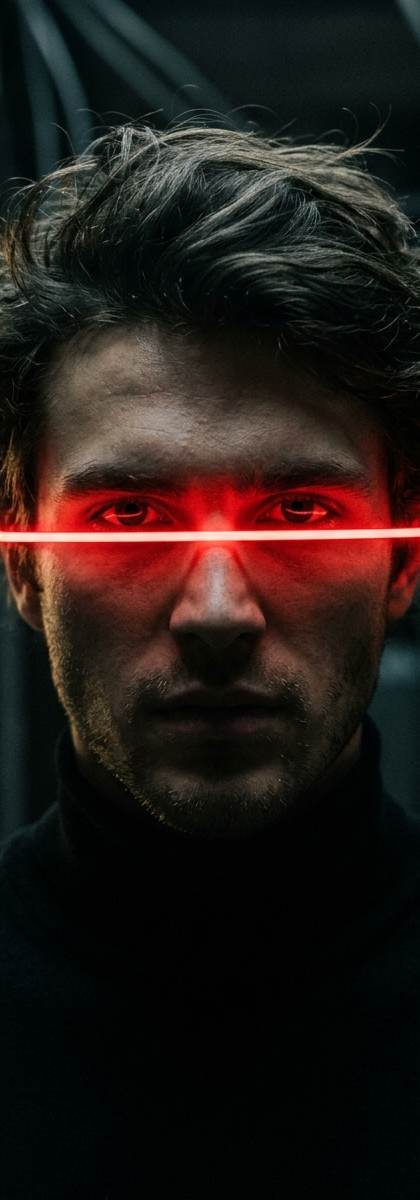
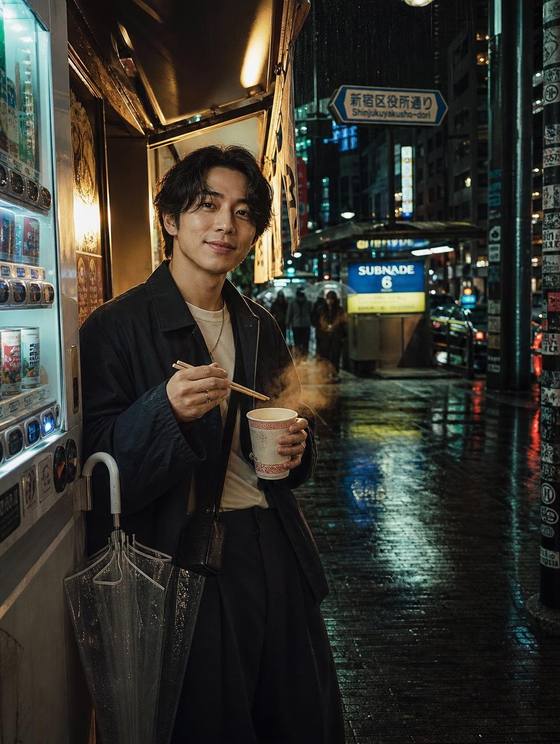
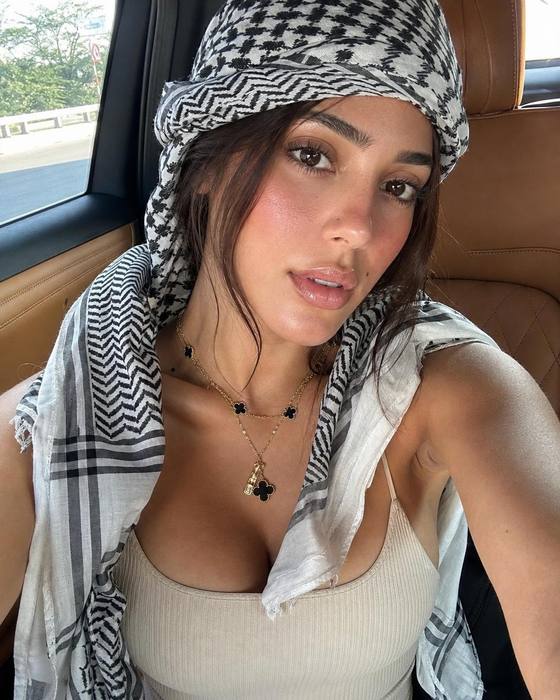
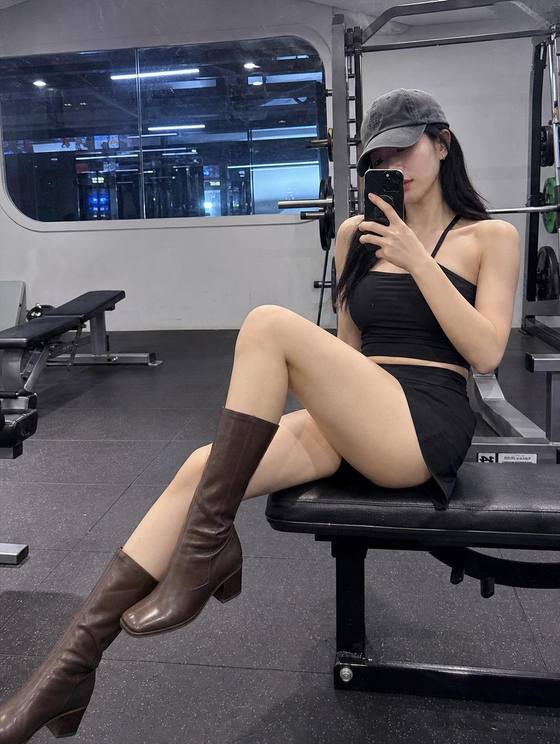
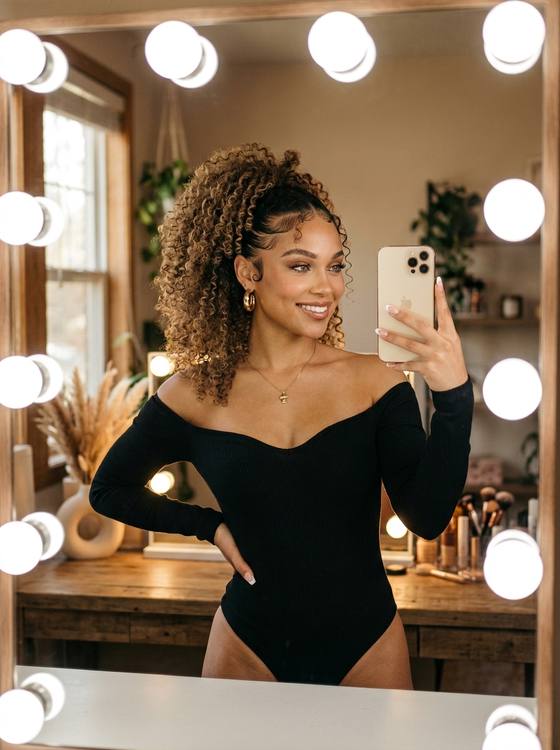
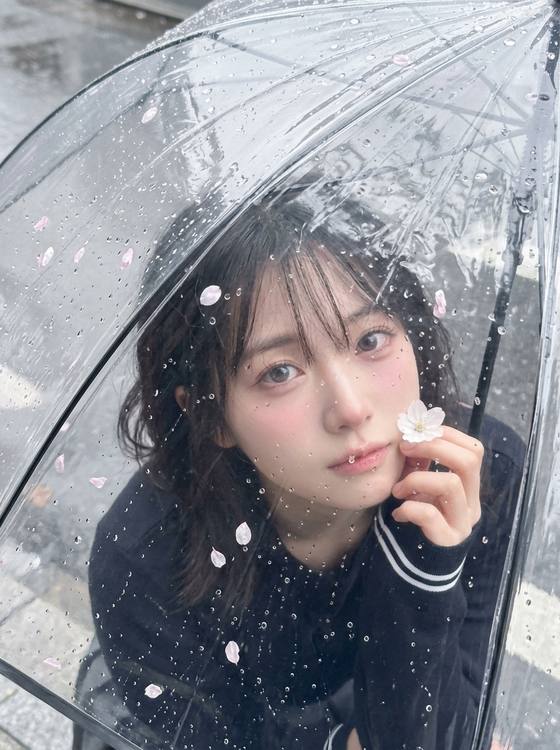
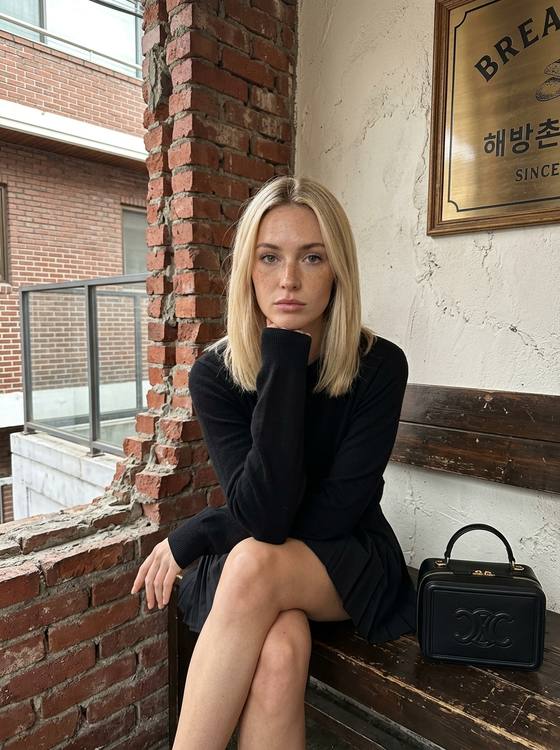
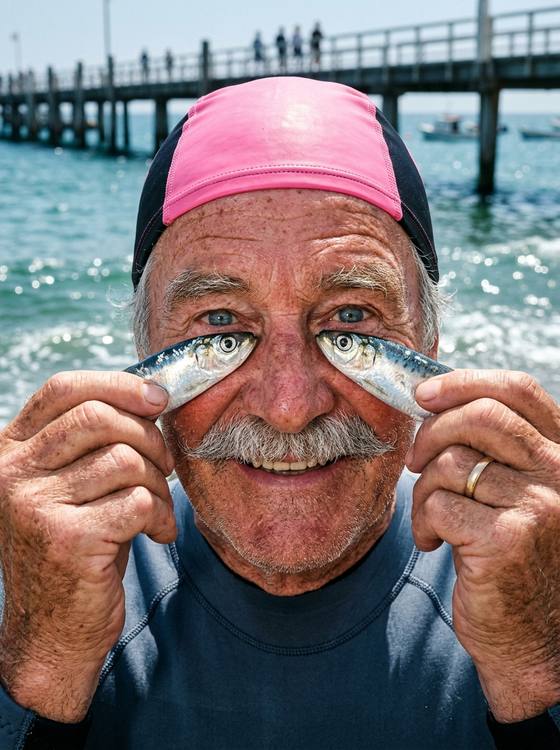
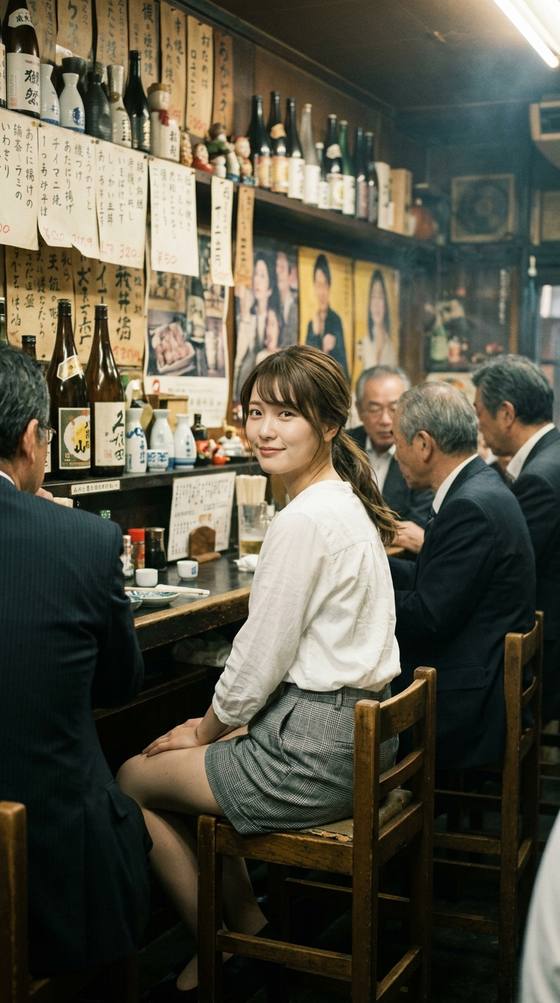
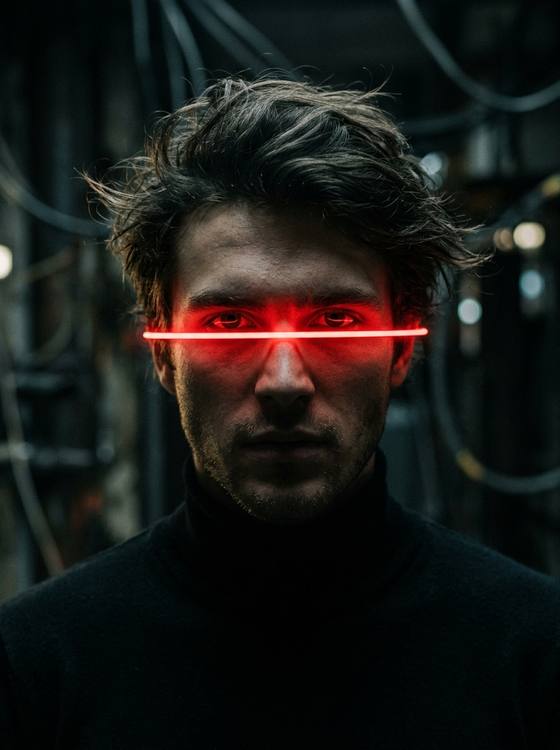
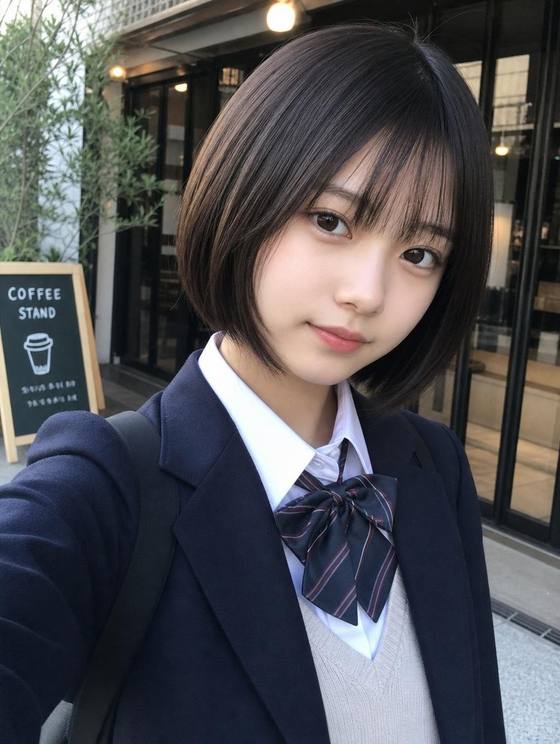
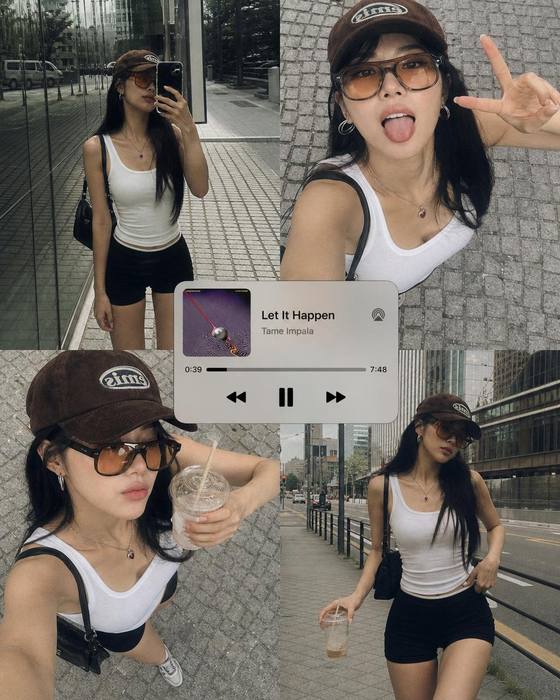
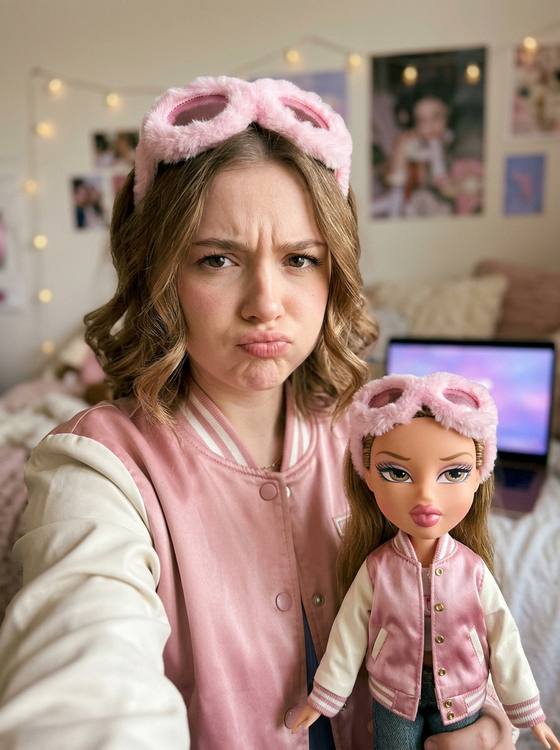
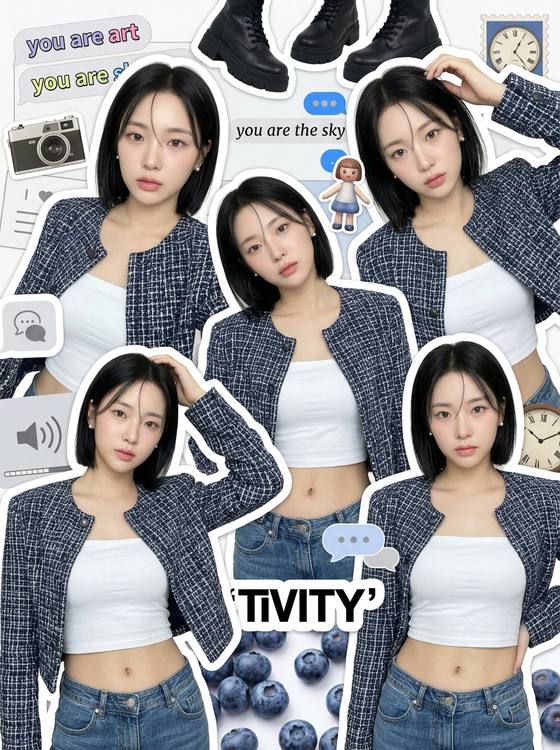
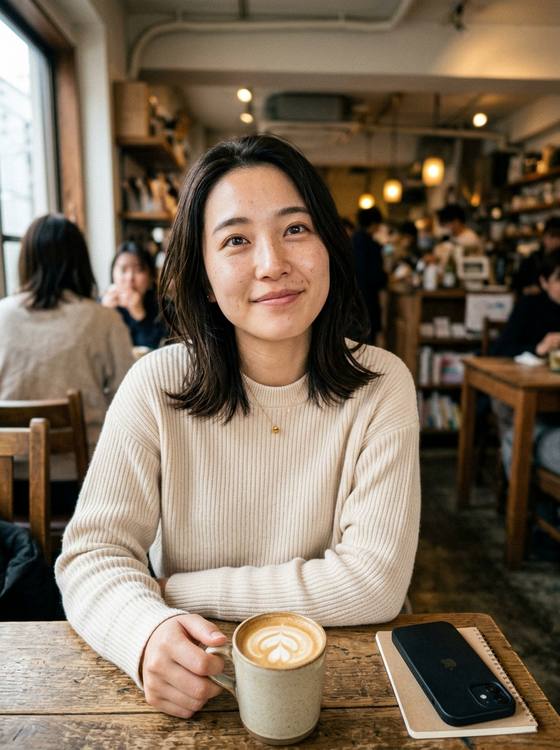
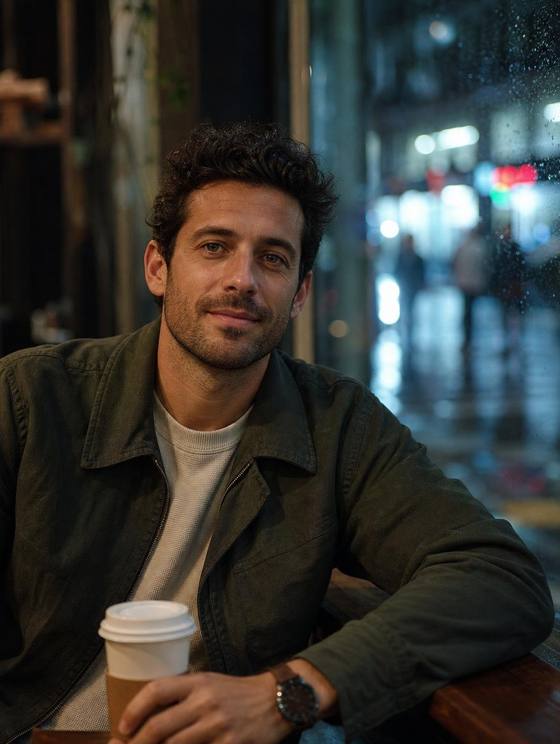
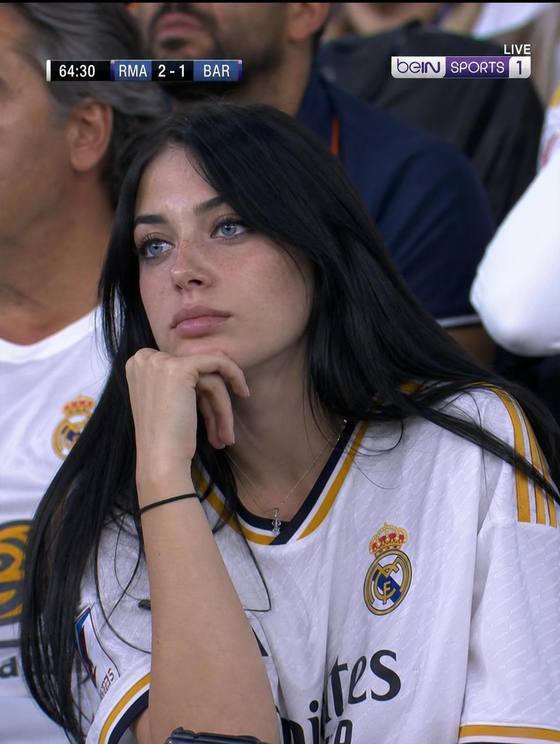
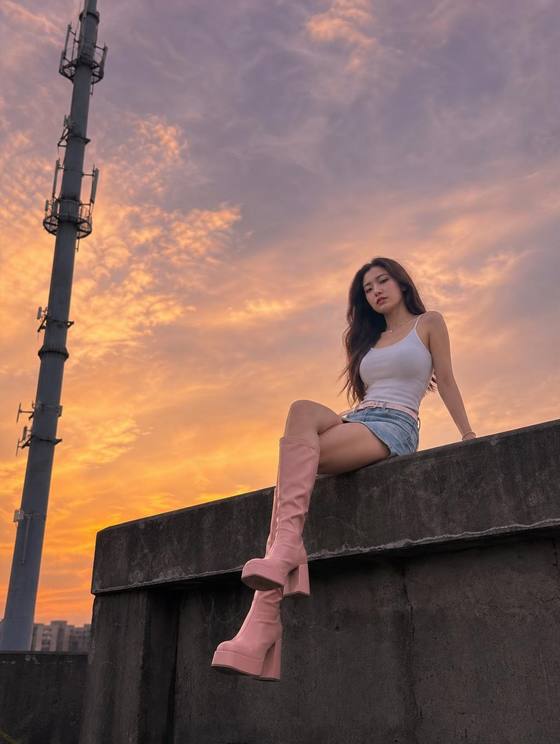
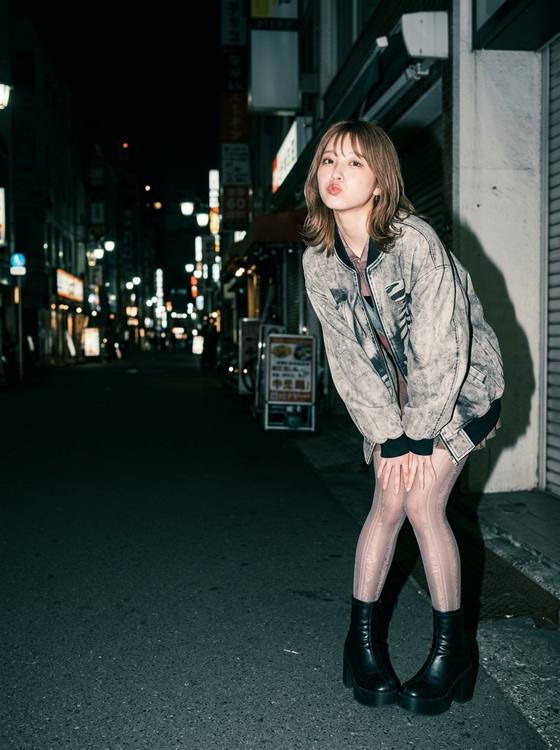
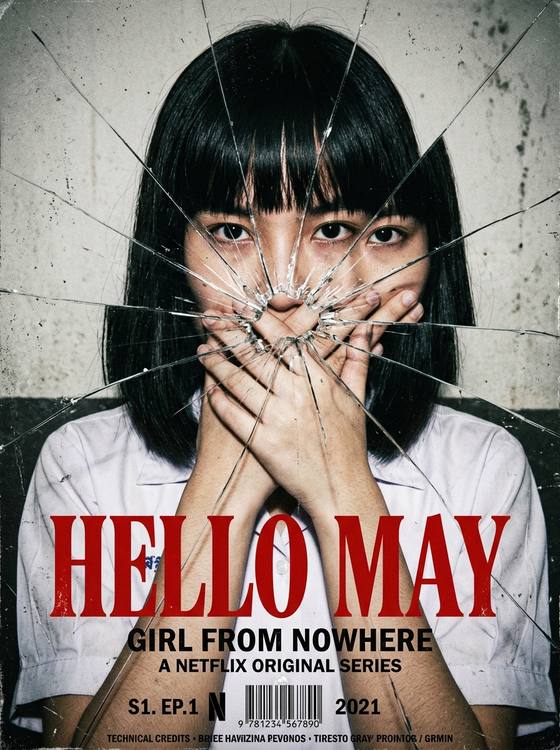
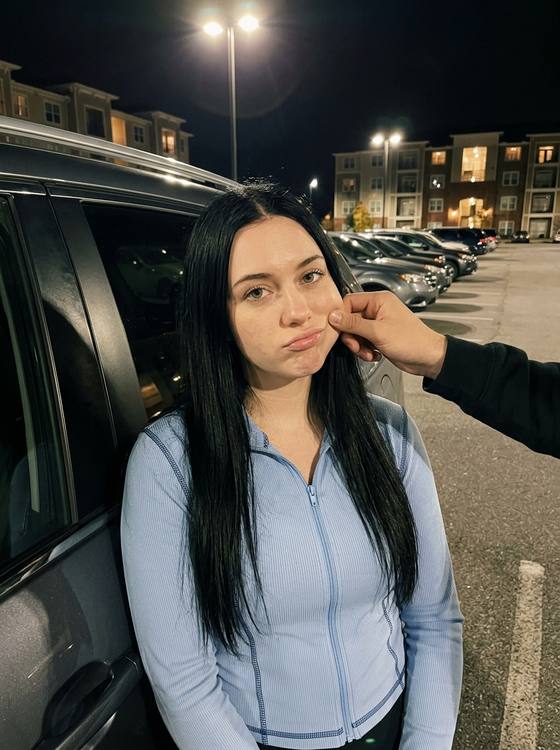
These are separate illustrative examples, not a real before-and-after pair and not the same person.

A clear, single-person selfie gives the model a useful identity reference.
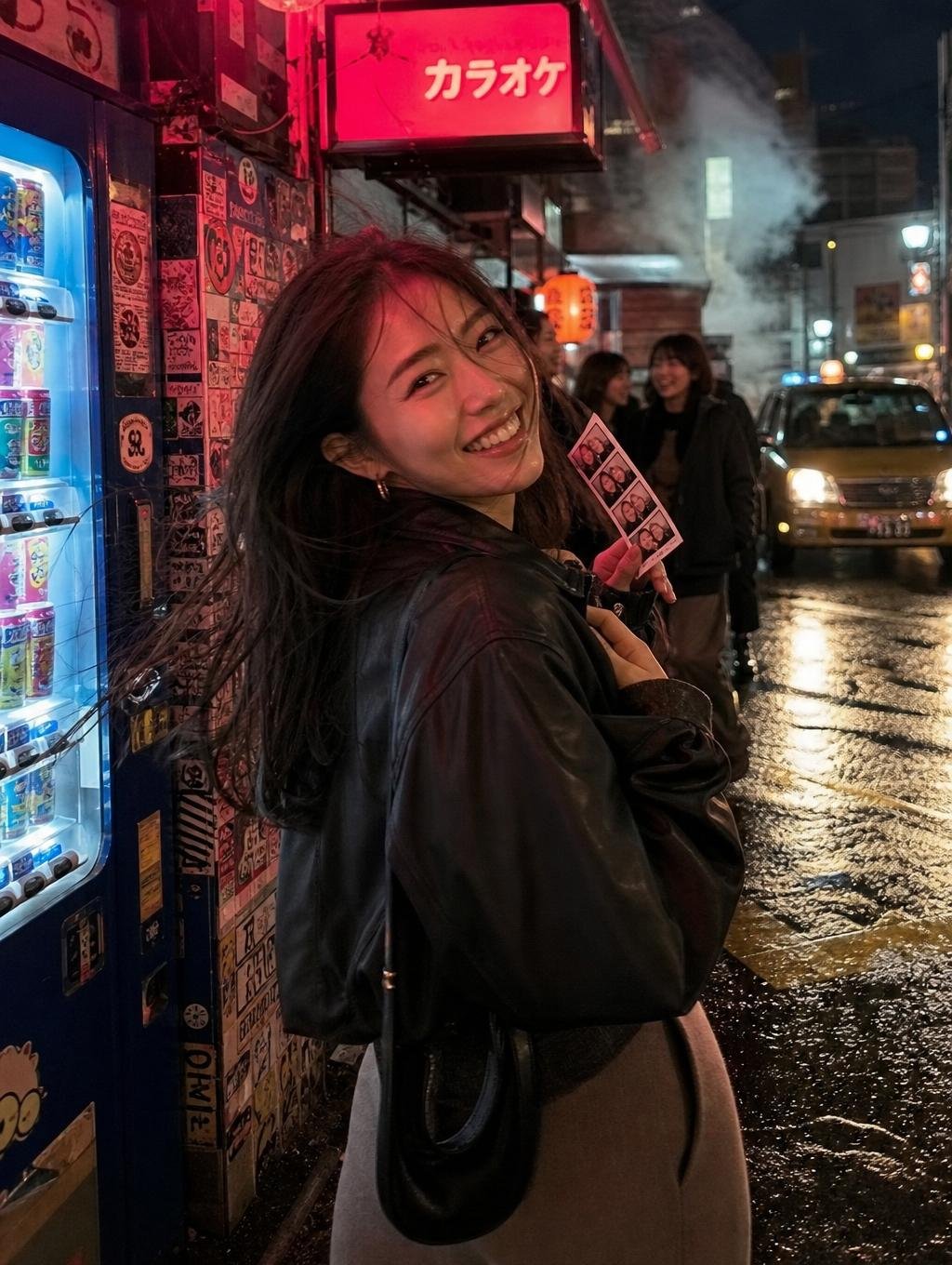
A selected look guides the scene, styling, pose, atmosphere, and visual tension.
Browse headshot, profile picture, dating, fashion, travel, cinematic, studio, and social portrait directions before opening the generator.
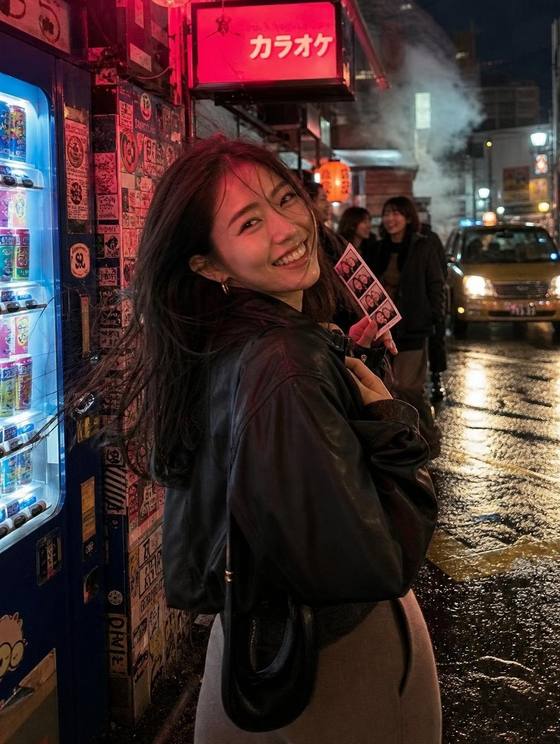
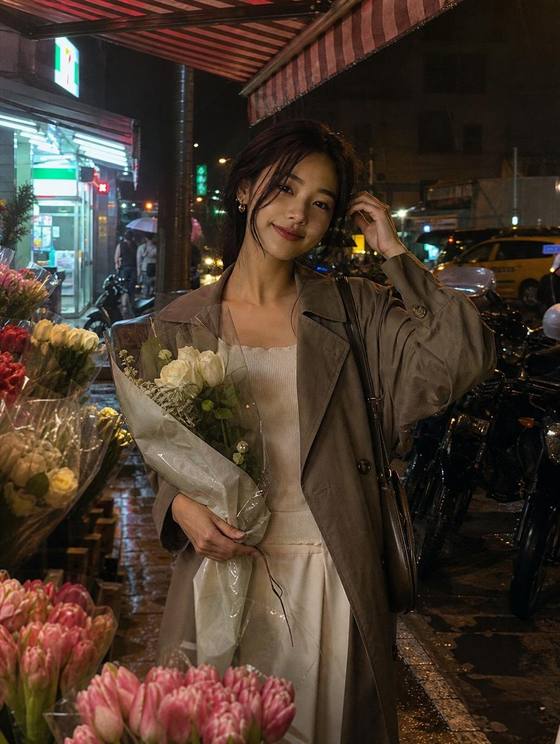
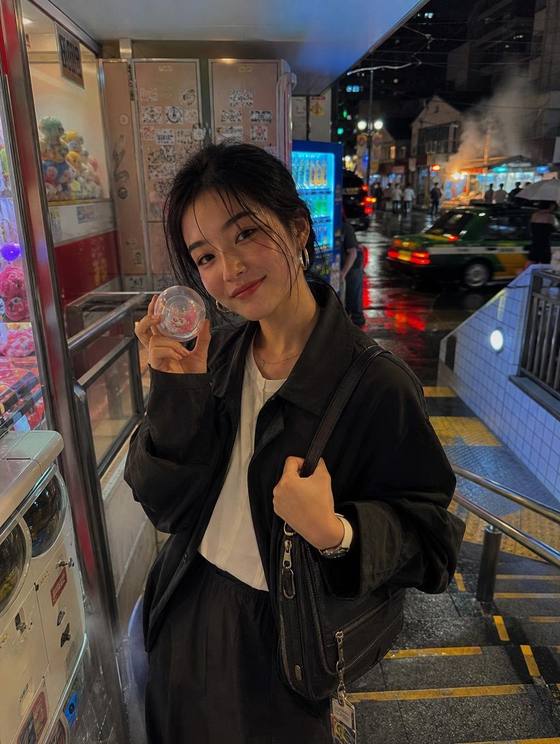
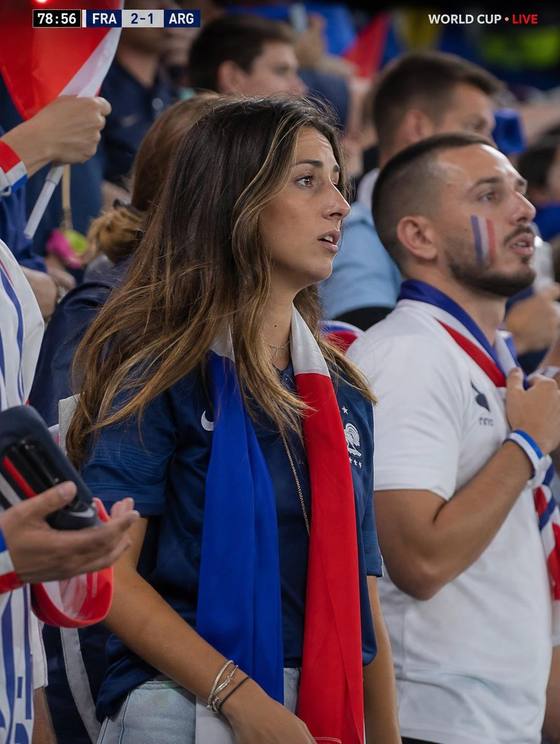
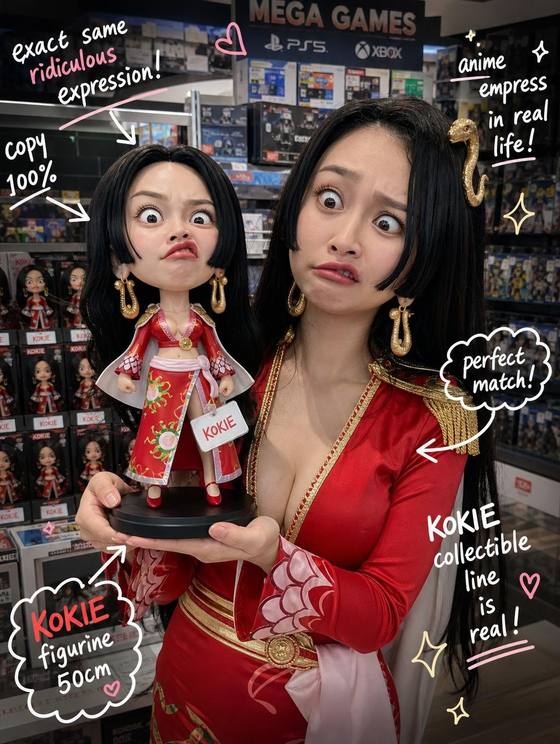
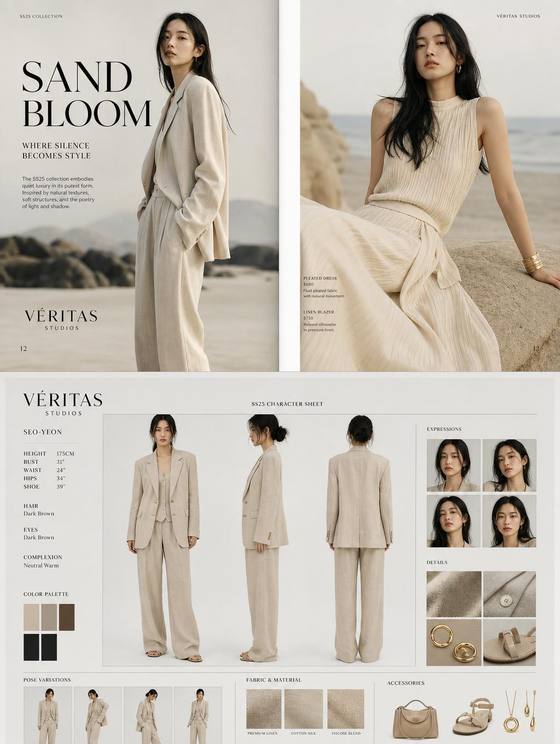
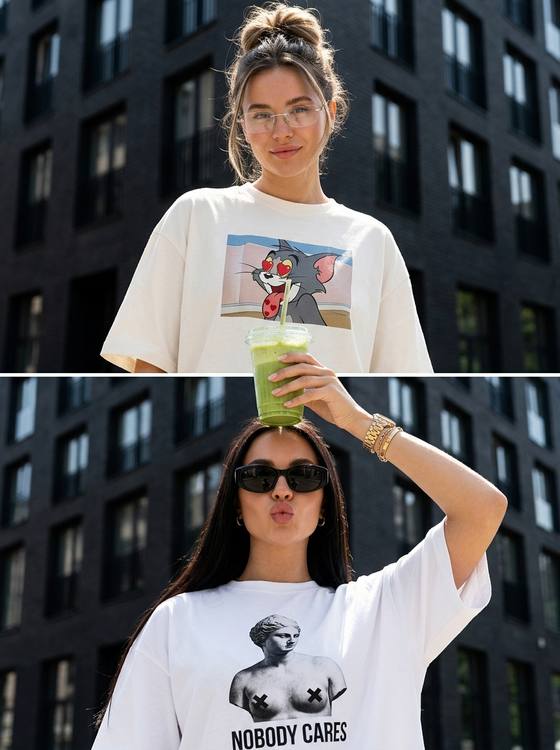
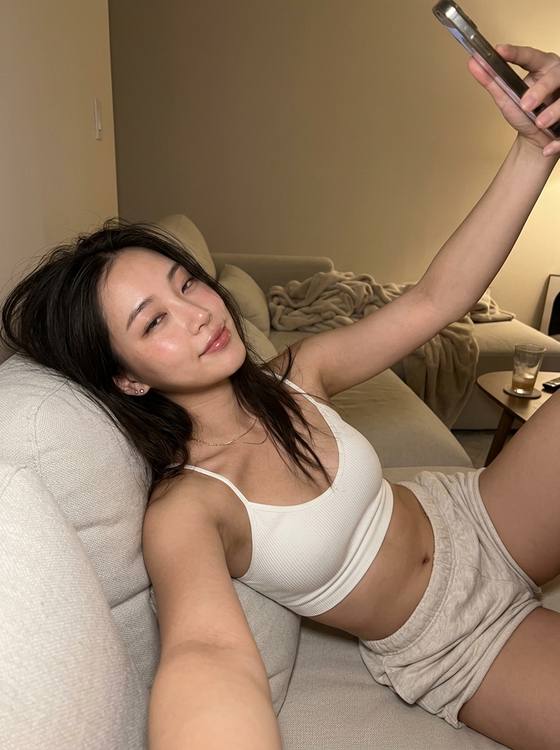
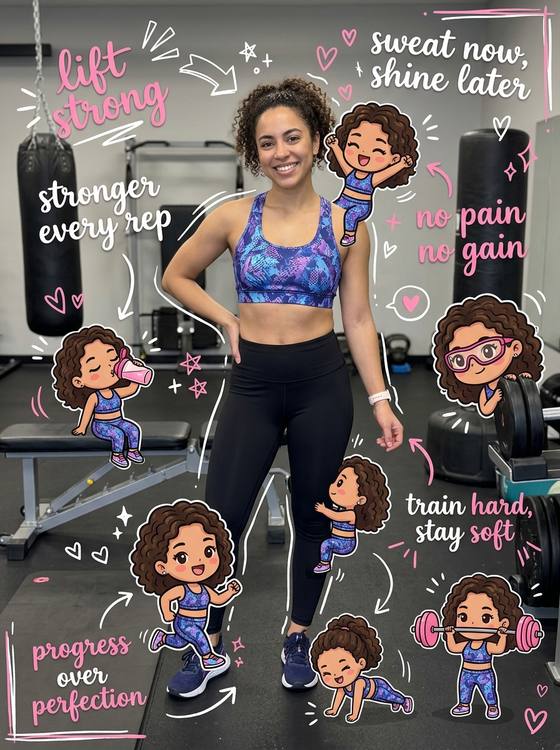
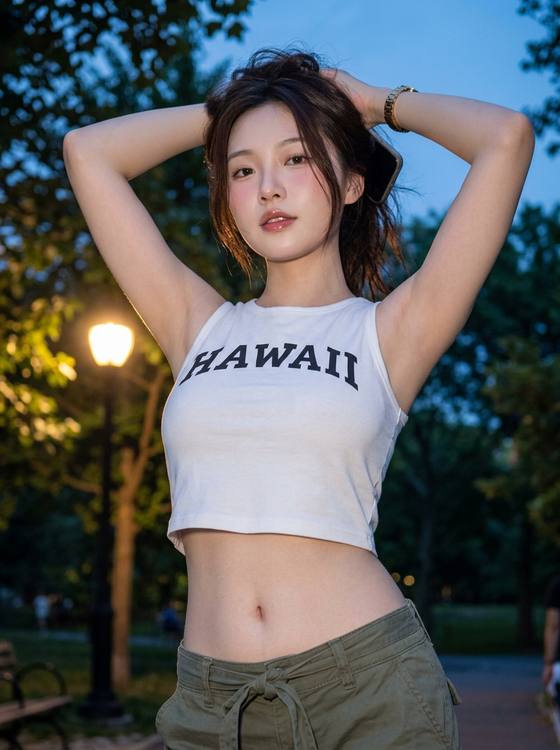
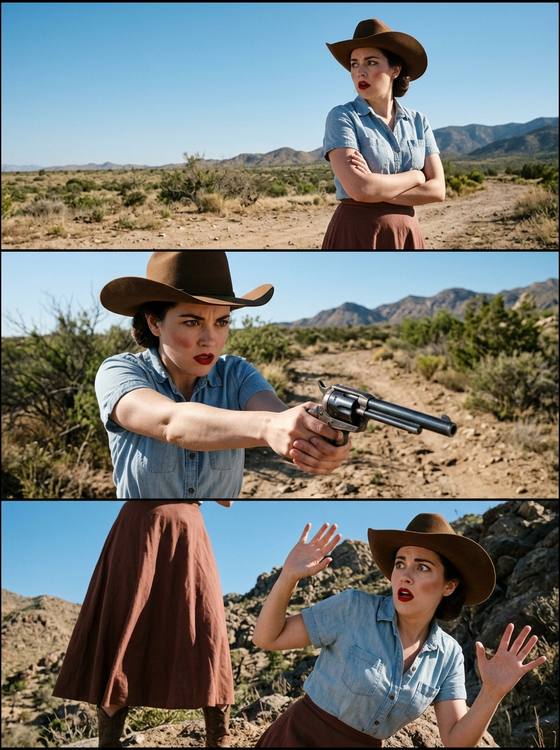
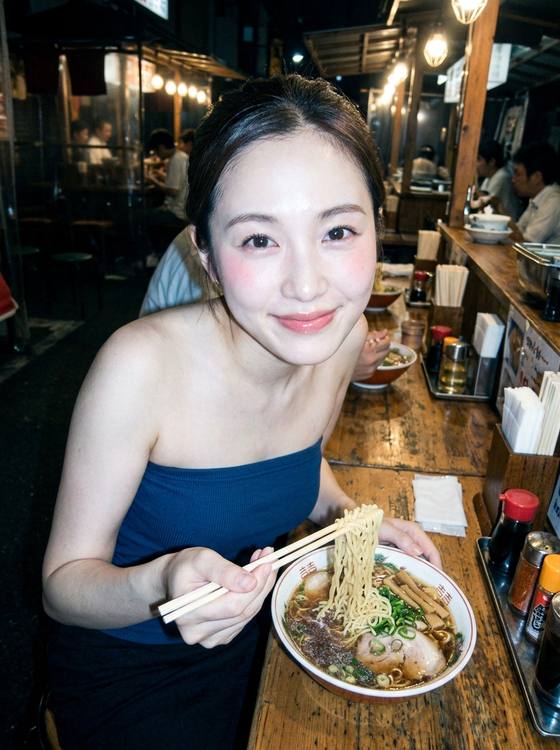
Only when you choose Use my photos and want the portrait to preserve your identity. New persona mode works without an upload.
Use a recent photo with one person, a clearly visible face, natural lighting, no sunglasses, and minimal filters.
Most portraits finish in about one to two minutes, though provider traffic can sometimes add time.
Reference photos are used to complete the generation you request. See the privacy policy for storage, provider, and deletion details.
You can create professional headshots, LinkedIn photos, profile pictures, dating photos, social portraits, fashion portraits, cinematic looks, travel portraits, and studio images from curated templates.